
Key Takeaways
| What to do | Why it matters | Simple rule of thumb |
|---|---|---|
| Use authentication on every GPA endpoint | Stops random apps from pulling student data | No auth = public data |
| Start with API keys, add OAuth when needed | API keys are easy; OAuth is safer for delegated access | Keys for server-to-server, OAuth for user login |
| Add rate limits per key, user, and IP | One bad actor should not slow everyone | Limit “who” and “where” |
| Return clear 401/403/429 errors | Developers fix issues faster | Always include a short error message |
| Monitor peaks like grading week | School traffic spikes fast | Alerts beat guesswork |
Why authentication and rate limits matter for GPA calculators
A GPA API looks simple. It takes grades and credits. It returns a number. The risk sits in the inputs and the patterns. Many calls can include student names, IDs, class lists, and transcripts. Authentication proves the caller is allowed. Rate limits stop abuse and slowdowns.
A common school problem shows up on report card week. A portal sends many GPA recalcs at once. One broken script can loop and hit an endpoint thousands of times. Rate limits keep the system stable and fair.
A good math base still helps. Many teams link their API results to the same logic as a GPA formula guide in user tools like a college GPA calculator. That keeps output consistent and easier to trust.

Map your data and endpoints before you lock them down
Clear endpoints make security easier. List what you expose: single GPA calc, batch calc, scale conversion, weighted rules, transcript audits, and export jobs. Then decide what data each endpoint needs. Store less. Return less. That reduces risk.
Many teams start by writing public docs for their endpoints, then add access control per route. That keeps integration smooth for schools and ed-tech partners. A clean doc also helps you define which calls are “heavy” and need stricter limits.
Use one source of truth for calculations. If your API computes quality points, match the same definitions used in a quality points vs GPA explanation and your REST API endpoint docs for GPA calculator page. Consistency cuts support tickets.

API keys: quick and useful for widgets
API keys fit simple server-to-server use. A school system sends a key in a header, and your API checks it. This works well for an embeddable widget, a district portal, or a backend job that imports grades.
Treat keys like passwords. Do not put them in front-end code. Do not store them in plain text. Rotate keys on a schedule, and revoke keys fast when a leak happens. Give each school its own key so you can trace usage.
Keys pair well with clear GPA rules. Schools often need a stable output that matches their own help pages, like a weighted vs unweighted GPA guide or a how to calculate GPA reference. That reduces “your number is wrong” reports.

OAuth 2.0: delegated access for school accounts
OAuth helps when a real person must approve access. A teacher, counselor, or admin signs in, then grants an app permission to read or calculate GPA. OAuth fits multi-tool ecosystems like LMS + SIS + portal.
Keep scopes small. A scope should say what the app can do, like “calculate GPA” or “read transcript summary.” Do not give “read all student data” unless the app truly needs it. Short scopes make audits easier.
OAuth also fits district rules that vary by system. Some districts apply special weighting, transfer rules, or course categories. Linking your integration notes to a how school districts calculate GPA page and a transfer credits GPA integrator guide can help partners understand edge cases.
JWT: fast checks for high traffic systems
JWTs help you avoid a database lookup on every request. The token carries claims like user role, school ID, and allowed scopes. Your API checks the token signature and reads the claims. This can be fast during traffic spikes.
JWTs need strong basics. Use short token lifetimes. Use HTTPS always. Plan revocation. If a token leaks, you need a way to cut it off. Some teams keep a deny list for high-risk cases, like staff accounts.
JWTs work well for dashboards that do many reads, like trend charts and bulk imports. If you support batch jobs, link the same logic used in a GPA trend graph generator and a multi-semester GPA bulk import tool so the numbers match across tools.

FERPA-minded privacy habits for GPA data
FERPA centers on protecting student education records. Your API should act like it handles sensitive records even if you only “calculate.” The request payload can still contain private details.
Start with data minimization. Accept only what you need to compute. If you do not need student names, do not accept them. Mask logs. Never log full transcripts. Keep retention short for raw payloads.
Use role checks. A counselor may see a full transcript summary. A student may only see their own. If a partner app needs audits, return a summary, not raw rows.
Many schools also face “messy transcript” cases like repeats and incompletes. Connect policy notes to a transcript GPA audit guide and an incomplete grades scenario planner so integrators understand what the API will do.

Rate limits that match real school use
Rate limits should feel fair. Too strict and schools get errors during real workflows. Too loose and abuse gets through. Start with your use cases. A student portal might call “calculate” a few times per minute. An admin export job might need a burst, then quiet time.
Many teams use a simple starting point like “100 requests per minute per API key” for light endpoints, then lower limits for login or key creation routes. Heavy endpoints like batch transcript processing often need separate limits and queues.
Rate limits also protect you from surprise demand. During application season, traffic can spike for pages like a medical school GPA averages AMCAS 2024-2025 guide or a grad school GPA requirements guide that drive more tool usage. Your limits keep service steady.

Token bucket vs sliding window: pick the right limit
Fixed window limits are easy, but they can “spike” at the minute boundary. Sliding window is smoother. Token bucket is flexible. It lets short bursts, then refills at a steady pace. That matches real school traffic, where users click a few times fast.
Token bucket often works best for GPA calls. A counselor might run several “what-if” checks in a short burst. Token bucket allows that without opening the door to endless spam. Sliding window fits endpoints where you want strict smoothing across time.
Tie limits to endpoint cost. A conversion endpoint may be cheap. A transcript audit can be heavy. Clear docs help partners plan their usage, like your letter to point GPA conversion guide and your common GPA calculation errors to avoid page that explains why some calls take longer.

Layer limits by API key, user, and IP
One limit is not enough. Layer limits so you can stop abuse without blocking real users behind shared networks. A school might route traffic through one public IP. If you only rate limit by IP, you may block a whole building.
Use layered limits like:
- Per API key: protects your billing tier and partner fairness
- Per user ID: protects student accounts from spam
- Per IP: blocks obvious floods and brute-force runs
Add special limits for auth routes. Login, token refresh, and key creation should have strict caps. This helps with brute-force attempts, which many orgs report rising year over year.
Clear math rules still matter. Many “abuse” patterns are just bugs from bad inputs. Link validation tips to a GPA formula guide and a gpa-weighting guide honors AP page so partners send clean payloads.
Error responses that reduce support tickets
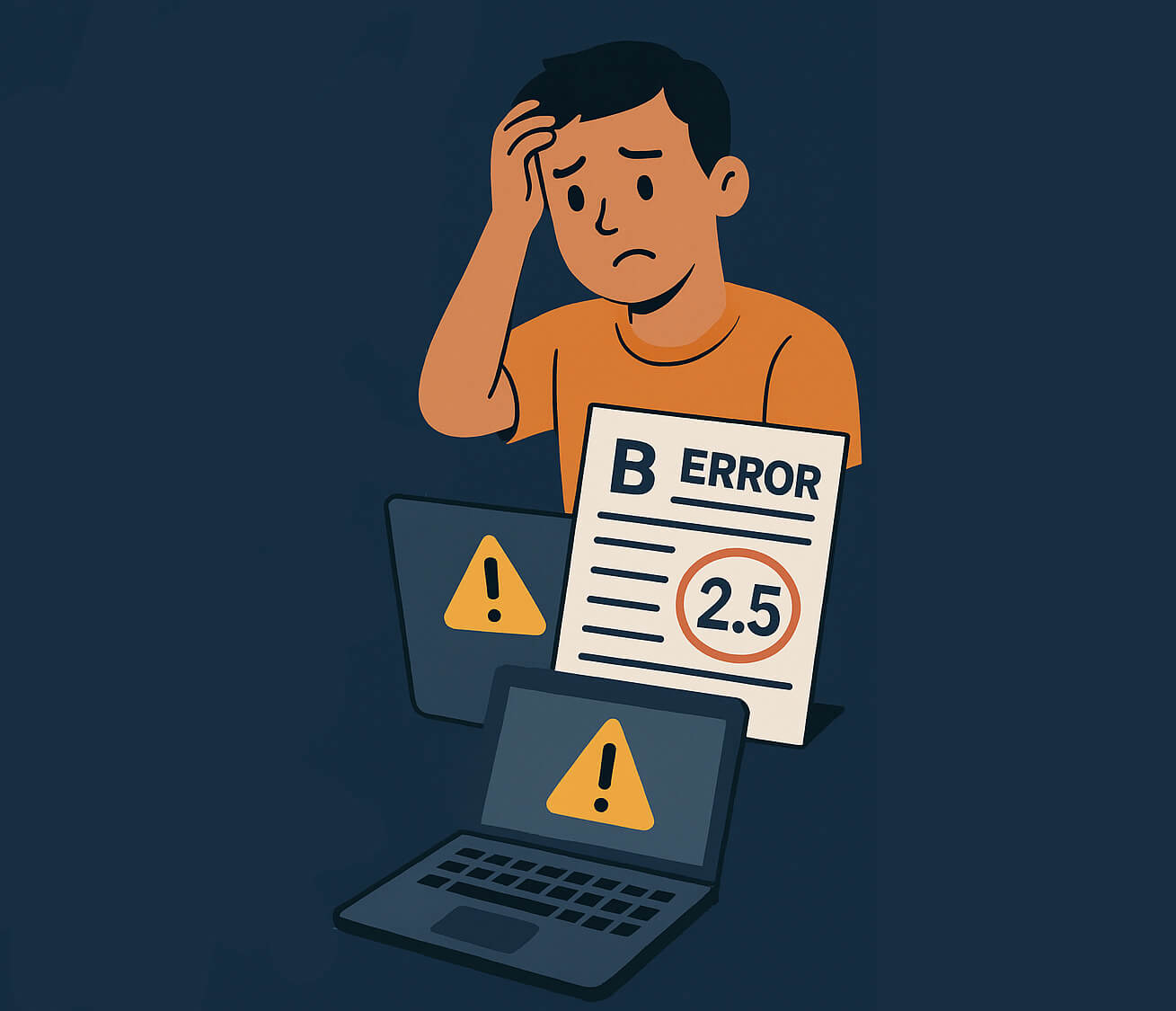
Errors should teach, not confuse. Use standard status codes:
- 401 when auth is missing or invalid
- 403 when auth is valid but not allowed
- 429 when rate limit hits
Add a short JSON error message and a request ID. For 429, include Retry-After so clients know when to try again. Keep messages clear but not revealing. Do not tell attackers if a user exists. Do not echo secrets.
Make errors match your public rules. If you treat pass/fail differently, say so in docs and return a clear message when inputs conflict. Linking to a how pass/fail grades impact your GPA page and a gpa planning for incomplete grades guide helps partners align UI text with API behavior. Users trust systems that explain outcomes.

Monitoring, alerts, and calm peak days
Rate limits and auth rules need tuning. Track request counts, error rates, and latency per endpoint. Watch top API keys and top IP ranges. Alert on spikes, not on every small bump.
Plan for peak days. Schools hit bursts at semester close, grade posting, and transfer review windows. A small cache can cut load fast. Cache stable outputs like GPA scale charts and conversion tables. Keep recalcs real-time only when inputs change.
Add a “safe mode” plan. If a partner floods you, you can clamp that key without taking down others. That keeps trust high. Many teams tie monitoring notes to student support content, like study tips for better grades and deans list thresholds chart, because traffic to guidance pages often predicts tool spikes the same day.

Frequently Asked Questions
Q: Do small GPA tools need authentication? Yes. Even “just math” requests can carry private transcript data.
Q: Are API keys enough for schools? API keys work well for server-to-server and widgets. OAuth fits user login flows. See REST API endpoint docs for GPA calculator.
Q: What rate limit number is “good”? Start with simple tiers like 60–120 requests per minute per key, then adjust by endpoint cost.
Q: What should clients do after a 429?
Wait, then retry. Respect Retry-After. Back off more each time.
Q: How do you keep GPA results consistent across tools? Use one ruleset for scales and weights. Cross-check with a weighted vs unweighted GPA guide and a types of GPA scales reference.