
| Key Takeaways | What it means for you |
|---|---|
| Schools set the official rules | You can’t change your transcript GPA rules as a student. |
| You can build a custom weighted scale for learning | A custom scale helps you understand your school’s exact math. |
| Your handbook is the source of truth | Copy your school’s policy, not a random chart online. |
| Custom scales are best for planning | “What-if” grades help you choose courses with less stress. |
| Colleges often recalculate anyway | Conversions help you compare your GPA to common 4.0 scales. |
What “Build Your School’s Custom Weighted Scale” really means
“Build Your School’s Custom Weighted Scale” has two different meanings.
Official meaning: Your school district sets the grading and weighting rules. Students can’t change that. The rule must be the same for everyone, or class rank becomes unfair.
Student meaning: You can build a custom scale inside a calculator to match your school’s policy. That helps you understand your numbers, plan future semesters, and spot surprises early.
Many schools do not use a clean 4.0 or 5.0 chart. Some use 6.0 systems. Some add bonus points. Some use unusual math that makes a strong grade look “low.”
If your transcript GPA feels confusing, a custom scale gives you clarity. Start by learning the basics of weighted vs unweighted GPA using the weighted vs unweighted GPA guide and the weighted vs unweighted GPA calculator.

Why schools don’t let students customize the official GPA system
Schools block student customization for simple reasons: fairness, ranking, and trust.
If students could pick their own weights, two students could earn the same grades and get different GPAs. That breaks class rank, honor roll, and scholarship rules. It also makes transcripts hard for colleges to compare.
Schools also need one clear answer when parents and colleges ask, “How is GPA calculated?” One system keeps things explainable.
There is also a gaming problem. If someone could down-weight weak classes and up-weight strong ones, GPA becomes a choice, not a record.
If you want to see how districts set rules at a system level, read how school districts calculate GPA. To understand how weighting works across course levels, use the GPA weighting guide for Honors and AP.
Find your school’s official weighting policy fast
A custom weighted scale only works if you copy real rules. Guessing leads to wrong results.
Check these sources in order:
- Student handbook (grading policy section)
- School website (academics → grading scale)
- Counselor office (they can confirm the latest rules)
- Your transcript (it shows how the school reports GPA)
Look for key details like:
- Regular vs Honors vs AP vs IB vs Dual Enrollment
- Letter grades used (A, A-, B+, etc.)
- Plus/minus rules
- Excluded courses (PE, study hall, pass/fail)
- Bonus points per semester (some districts do this)
If your school uses a normal approach, the high school GPA calculator guide makes this easy. For the basics of grade math, use how to calculate high school GPA.

List your course levels and match them to point values
Before you type anything into a tool, build a simple list. Keep it clean and boring.
Common course levels include:
- Regular / On-level
- Honors
- AP
- IB
- Dual Enrollment
Now match each letter grade to points for each level. Your school might say:
- Regular A = 4.0
- Honors A = 4.5
- AP A = 5.0
Or it may set different points for A-, B+, and B.
This is where most mistakes happen. Students mix up grade letters and percent ranges, then the final GPA looks wrong.
If you want a clear reference, use the letter-to-point GPA conversion guide and the high school grading scales chart. If your courses have different credit weights, read the credits and course level input guide.

Build your custom weighted scale inside a GPA calculator
Once you have your school’s rules, you can build a custom weighted scale for learning and planning.
Start here if you want a high school setup: high school GPA calculator. Use this if you want to track long-term totals: cumulative GPA calculator.
A simple setup looks like this:
- Add course types (Regular, Honors, AP, IB, Dual Enrollment)
- Add point values for each grade (A, A-, B+, B…)
- Save the setup with your school name
- Test it using your current classes
If your school uses semesters, keep your inputs consistent. Don’t mix quarter grades with final grades unless your school does.
For a clean explanation of how points turn into GPA, the quality points vs GPA explained page helps a lot.
Verify your custom scale by matching your transcript GPA
A custom scale is only useful if it matches what your school reports.
Do a quick check:
- Grab your latest report card or transcript
- Enter the same courses and final grades
- Confirm the GPA output matches the official number
If it does not match, don’t panic. One small policy detail can change everything.
Common causes:
- You missed plus/minus values
- A course is excluded from GPA
- Credits are not equal (some classes count more)
- Your school uses a cap or a bonus rule
- You typed a semester grade, but school uses year grade
If your GPA feels “off,” use why GPA does not match transcript and the transcript GPA audit guide.

Handle non-standard systems like Austin ISD percentage deduction
Some schools do not use a normal letter-grade chart at all. A famous example is a percentage deduction system.
In systems like this:
- 100% = 4.0
- 99% = 3.9
- 92% = 3.2
That can feel unfair because a 92% is usually a strong A-range grade, but the GPA number looks lower than expected.
This is why custom tools matter. When you match your school’s math, the confusion fades. You stop comparing your number to random online tables.
If you’re working with percent grades, a conversion tool helps you see both sides:

Add multi-tier scales like 6.0 systems the right way
Some districts use multi-tier scales where the “max GPA” depends on course level.
A common style looks like:
- Regular max = 5.0
- Advanced max = 5.5
- AP/IB/Dual max = 6.0
Students see “5.5” or “6.0” and assume it beats everyone else. But colleges usually do not treat it that way. They compare rigor and often recalculate to their own scale.
A custom weighted scale helps you avoid bad comparisons. It keeps you focused on what matters inside your school: grades, course level, and credits.
To understand how these systems translate, use:
This keeps your planning realistic and your goals calm.
Deal with capped weighted GPAs and bonus point systems
Some districts cap weighted GPA at a top value. Others add bonuses per semester.
A capped + bonus system may include rules like:
- Weighted GPA can’t go above 4.95
- AP semester bonus = +0.05
- Honors semester bonus = +0.025
This creates weird-looking totals such as 4.725 or 4.825. Students often think they made a math mistake, but it can be normal for that district.
A custom weighted scale helps you answer a key question:
“Will adding more AP classes raise my GPA, or will I hit the cap?”
If you want to simulate outcomes across systems, try:
Clear rules beat guesswork every time.
Use your custom scale for “what-if” GPA planning
The best reason to build your school’s custom weighted scale is planning.
Real planning questions look like this:
- “What if I get a B in AP Calc?”
- “What if I add one more Honors class?”
- “What GPA do I need to hit my goal by senior year?”
This works best when you combine:
- Current GPA
- Credits completed
- Future courses and expected grades
You can test multiple scenarios and see the difference in minutes. That helps you pick schedules with less stress.
Helpful planning tools and guides include:

Convert your GPA to a college-friendly context
Your weighted GPA is real, but it may not be directly comparable to other schools.
Colleges often recalculate using their own rules. Some look at:
- Core academic classes only
- Unweighted GPA only
- A standardized 4.0 conversion
- Their own honors/AP weighting style
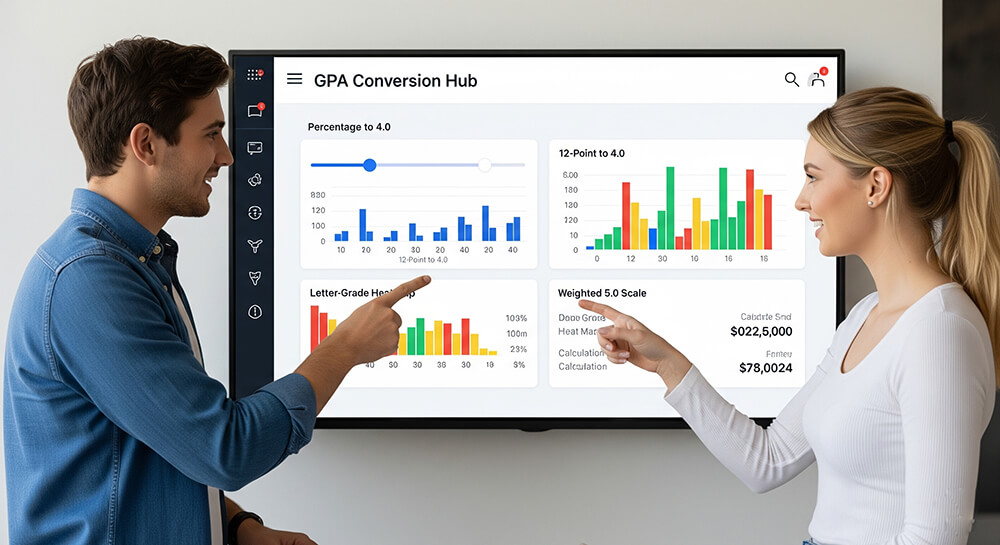
That is why conversions help. You can keep your school GPA for rank and local goals, and also understand how it “reads” in a common format.
Start with:
If you’re applying to competitive programs, benchmarks can help you set targets:
Avoid mistakes that break your custom weighted scale
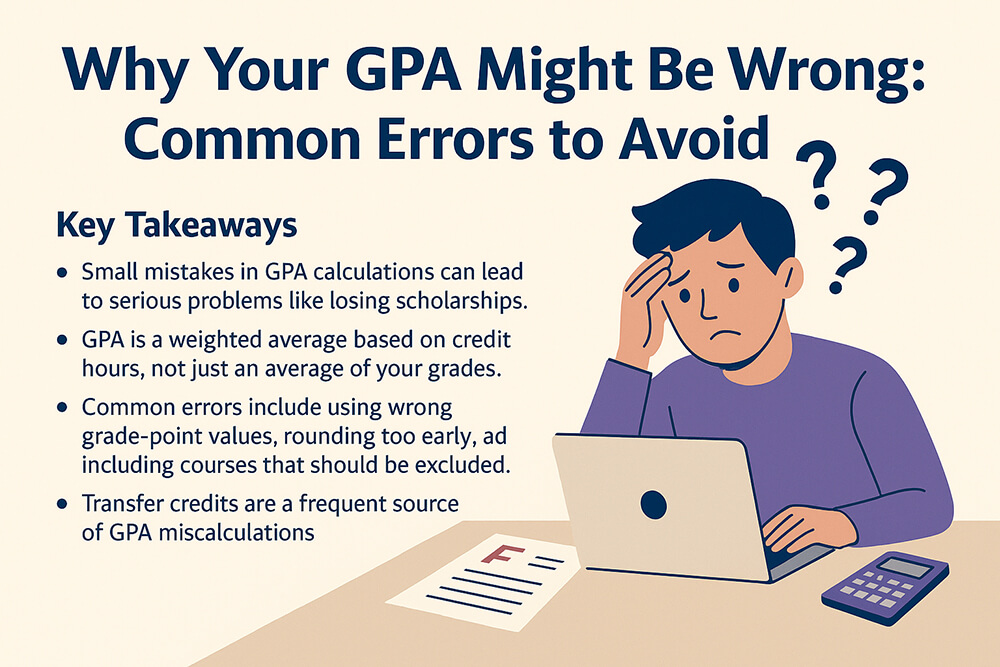
Small errors can wreck your results, even if your grades are correct.
Watch for these common issues:
- Mixing percent grades with letter grades
- Forgetting to set Honors/AP as weighted
- Entering term grades when your school uses final grades
- Treating every class as equal credit when credits differ
- Counting courses your school excludes from GPA
- Using random conversion tables that don’t match your district
If you want a checklist, use:
Keep your custom scale honest and useful
A custom weighted scale should help you learn, not help you fake results.
A good custom scale does this:
- Matches your handbook policy
- Matches your transcript after you verify inputs
- Helps you plan courses and goals
- Explains why your GPA looks different than other schools
- Helps you communicate your context with confidence
A bad custom scale does this:
- Changes weights after you see the outcome
- Removes hard classes to “hide” weak spots
- Creates a GPA number you can’t defend
If you want a clean way to stay focused, use:
Your transcript GPA is the official record. Your custom scale is your understanding tool.
Frequently Asked Questions
Can I change my official weighted GPA scale at my school?
No. Schools set one rule system for fairness, ranking, and reporting. You can build a personal learning version using a calculator like the high school GPA calculator.
What do I need to build my school’s custom weighted scale correctly?
You need your school’s course levels, point values, plus/minus rules, and any caps or bonus rules. The credits and course level input guide helps you gather the right details.
Why does my GPA not match my transcript?
Most mismatches come from missing a policy detail like weighting, credits, or excluded courses. Use why GPA does not match transcript to spot the cause fast.
My school uses a 6.0 scale. Is that “better” than a 5.0 scale?
Not automatically. The number depends on the district system, course tiers, and how colleges recalculate. The 4.0 vs 5.0 vs 6.0 GPA scales guide explains the differences.
How do I convert my weighted GPA to a standard 4.0 scale?
Use tools that show side-by-side conversions, like GPA conversion charts and tools and percentage to 4.0 GPA conversion.
What is the best way to plan my GPA for next semester?
Run “what-if” scenarios with your current credits and future classes. The cumulative GPA calculator works well, and the mid-term grade projection slider helps you track progress before finals.